
How to Choose the Best Photo for a Brick Mosaic
Choose a clear subject, suitable lighting, crop, background, and mosaic size, then use the preview to check the result before ordering.
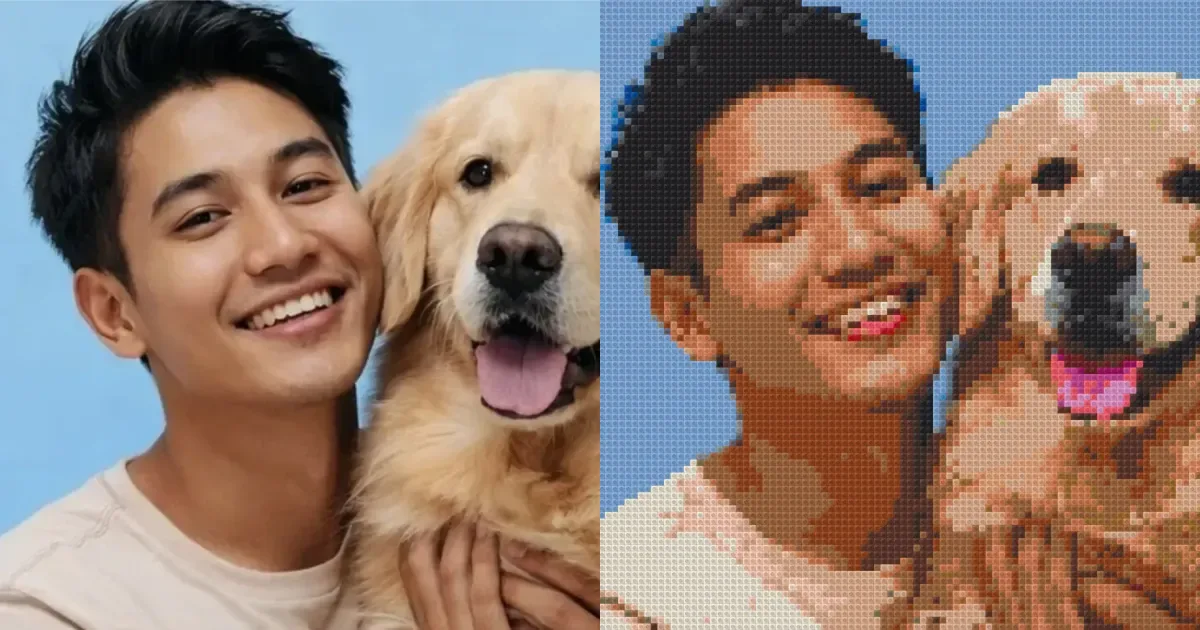
A good Brick Mosaic photo has one clear subject, lighting that separates it from the background, and enough room to crop for the chosen shape. Tiny details become simplified into color cells, so judge the image from the preview at the intended size rather than from the original photo alone.
A 30-second photo check
- You can identify the main subject without zooming.
- The face or important object is not much darker than the background.
- Important people and objects do not touch the image edge.
- The background does not compete with the subject.
- The image is not blurred or heavily compressed.
1. Keep the main subject clear
One or two people, one pet, or one prominent object is usually easier to read than a large group. If a group photo matters, choose a larger mosaic and crop it so every face has enough space.

2. Use light that reaches the subject
Strong backlight can turn a face into one dark area. Soft, even light makes skin, clothing, and outlines easier to separate. A sharp, well-lit phone photo is enough; a professional camera is not required.
3. Simplify a busy background
Trees, crowds, signs, and many small objects can become distracting color cells. Crop more tightly or try a photo with a simpler background when the subject is difficult to read in the preview.
4. Match the orientation to the subject and wall
- Square works well for portraits, pets, and centered subjects.
- Portrait suits half-body, full-body, and standing couple photos.
- Landscape suits couples, small groups, scenery, and reclining pets.
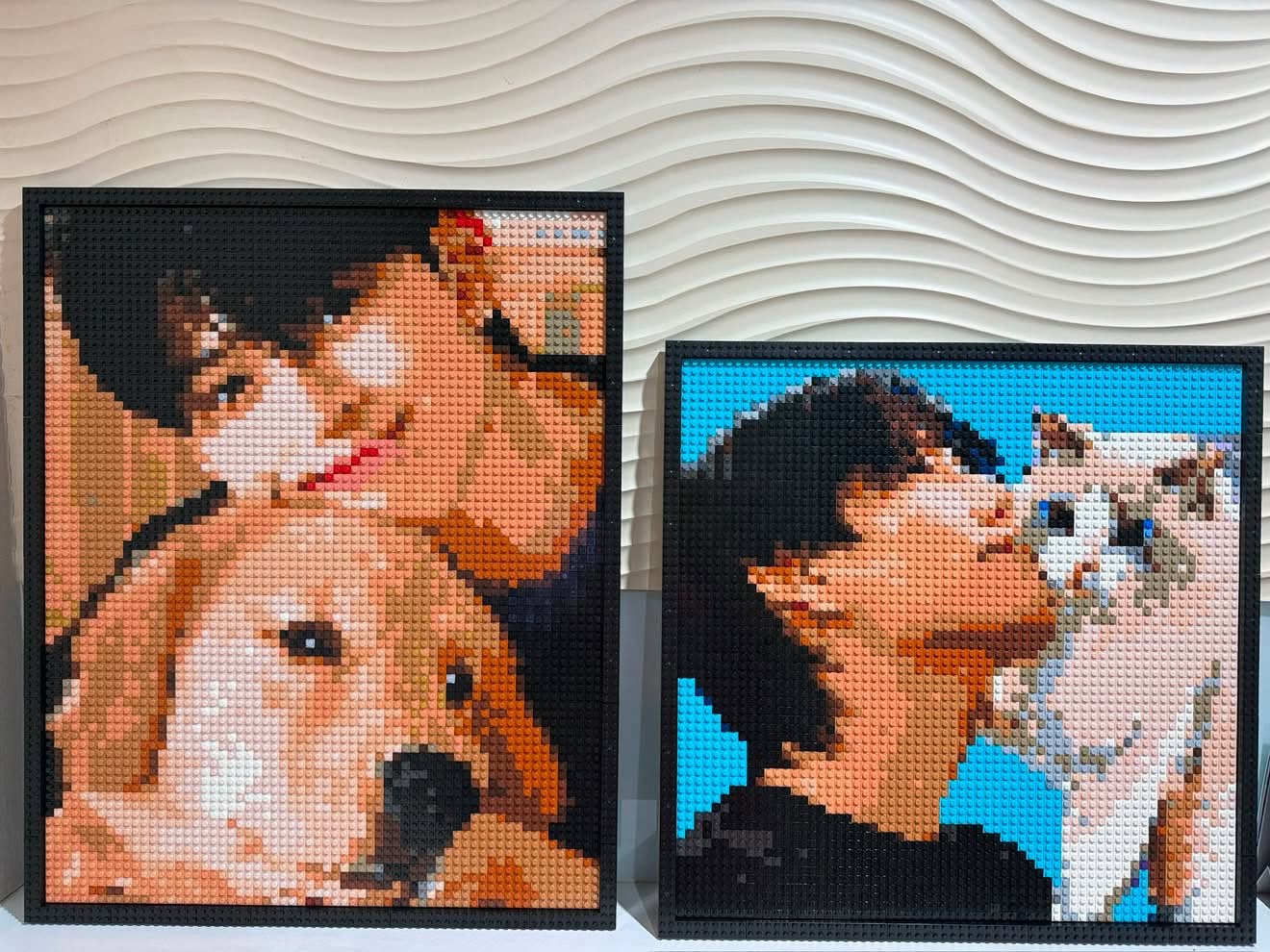
5. Larger mosaics preserve more detail
More color cells give facial outlines, glasses, hair, and clothing additional room. Group photos and detailed scenes therefore benefit from a larger size, while a high-contrast single subject can work at a smaller size.
6. Review the preview in order
- Check the thumbnail to see whether the subject reads immediately.
- Review the eyes, hairline, and important facial edges.
- Try another crop before increasing the size.
- Compare two sizes against clarity, display space, and budget.
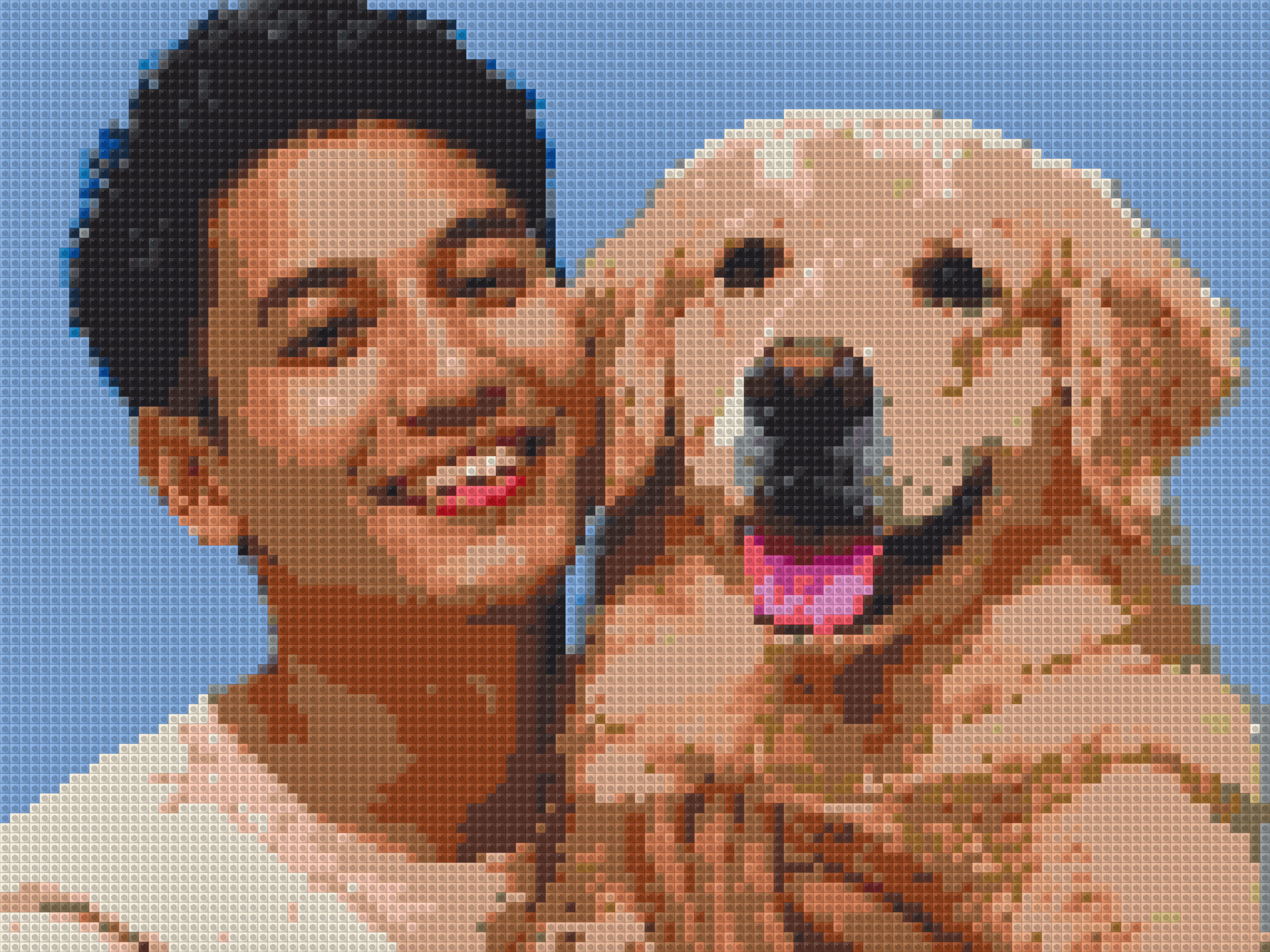
Try your actual photo
Upload a photo and preview the Brick Mosaic, then change the crop, orientation, and size before paying. For a gift, allow enough time to compare several images and for delivery.